Solar Attic Fan Reviews: Comparing Top Options
Affiliate Disclosure: HomeGear Guide is reader-supported. When you buy through links on our site, we may earn an affiliate commission at no extra cost to you. We do not accept paid product placements or sponsor-biased reviews.
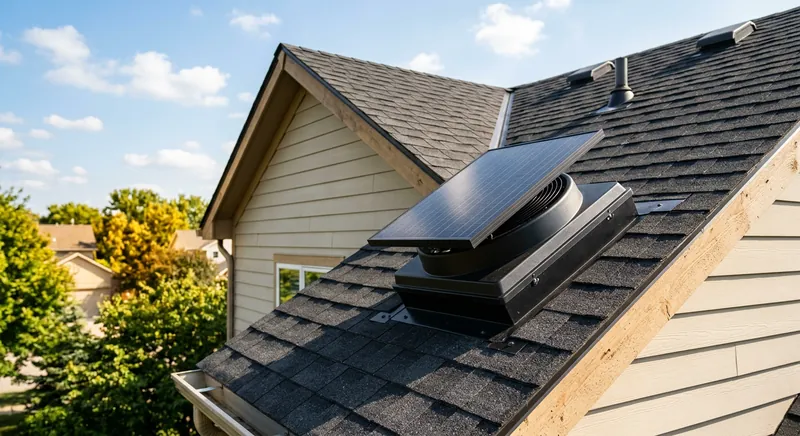
Solar attic fans have grown in popularity as homeowners look for ways to ventilate their attics without adding to their electric bill. Unlike traditional electric fans, solar models run entirely on sunlight — no wiring, no operating cost, and in many cases, eligibility for the federal solar tax credit. But not all solar attic fans are created equal. Panel wattage directly affects how much air the fan can move, and features like battery backup, mounting options, and warranty length vary significantly between products. This review breaks down the features that matter most so you can compare options side by side.
Quick Answer
Panel wattage is the single most important spec when comparing solar attic fans, as it directly determines CFM output and daily run time. A 20 to 25 watt panel produces 1,100 to 1,400 CFM and starts earlier in the morning, while a 10 to 15 watt budget panel only reaches 700 to 900 CFM and is suitable for small attics under 1,200 square feet. Battery backup models address the main limitation of solar fans by storing energy for 2 to 4 hours of nighttime operation, which is most valuable in humid climates where evening moisture accumulates. Gable-mounted solar fans avoid roof penetrations entirely by mounting the fan on the gable wall with a separately placed panel, making them ideal for tile or metal roofs. Real-world CFM is typically 20 to 40 percent lower than rated figures, so size up by 15 to 25 percent.
Top Picks at a Glance
High-Wattage Solar Attic Fan
Budget Solar Attic Fan
Solar Attic Fan with Battery Backup
Gable-Mounted Solar Fan
Product Comparison
| Product | Best For | Panel Wattage | CFM Rating | Mounting | Warranty | Price Range | Details |
|---|---|---|---|---|---|---|---|
High-Wattage Solar Attic Fan Best Overall | Homeowners with larger attics (1,500–2,500 sq ft) who want maximum solar airflow | 20–25W | 1,100–1,400 CFM (direct sun) | Roof-mounted (shingle or tile compatible) | 15–25 years (panel); 5 years (motor) | $200–$400 | View Review ↓ |
Budget Solar Attic Fan Best Budget Option | Small-to-medium attics (up to 1,200 sq ft) and budget-conscious homeowners | 10–15W | 700–900 CFM (direct sun) | Roof-mounted (shingle compatible) | 5–10 years (panel); 2–3 years (motor) | $100–$200 | View Review ↓ |
Solar Attic Fan with Battery Backup Best for Night Ventilation | Homeowners who need ventilation after sunset or during cloudy periods | 15–25W with battery storage | 800–1,200 CFM (direct sun); 600–800 CFM (battery) | Roof-mounted (includes battery housing) | 15–20 years (panel); 3–5 years (battery) | $300–$550 | View Review ↓ |
Gable-Mounted Solar Fan | Homeowners who prefer not to cut through the roof or have a suitable gable wall | 15–25W (remote-mounted panel) | 900–1,200 CFM (direct sun) | Gable wall (panel mounted separately on roof) | 15–20 years (panel); 5 years (motor) | $180–$380 | View Review ↓ |
High-Wattage Solar Attic Fan
Best Overall- Best For:
- Homeowners with larger attics (1,500–2,500 sq ft) who want maximum solar airflow
- Panel Wattage:
- 20–25W
- CFM Rating:
- 1,100–1,400 CFM (direct sun)
- Mounting:
- Roof-mounted (shingle or tile compatible)
- Warranty:
- 15–25 years (panel); 5 years (motor)
- Price Range:
- $200–$400
Budget Solar Attic Fan
Best Budget Option- Best For:
- Small-to-medium attics (up to 1,200 sq ft) and budget-conscious homeowners
- Panel Wattage:
- 10–15W
- CFM Rating:
- 700–900 CFM (direct sun)
- Mounting:
- Roof-mounted (shingle compatible)
- Warranty:
- 5–10 years (panel); 2–3 years (motor)
- Price Range:
- $100–$200
Solar Attic Fan with Battery Backup
Best for Night Ventilation- Best For:
- Homeowners who need ventilation after sunset or during cloudy periods
- Panel Wattage:
- 15–25W with battery storage
- CFM Rating:
- 800–1,200 CFM (direct sun); 600–800 CFM (battery)
- Mounting:
- Roof-mounted (includes battery housing)
- Warranty:
- 15–20 years (panel); 3–5 years (battery)
- Price Range:
- $300–$550
Gable-Mounted Solar Fan
- Best For:
- Homeowners who prefer not to cut through the roof or have a suitable gable wall
- Panel Wattage:
- 15–25W (remote-mounted panel)
- CFM Rating:
- 900–1,200 CFM (direct sun)
- Mounting:
- Gable wall (panel mounted separately on roof)
- Warranty:
- 15–20 years (panel); 5 years (motor)
- Price Range:
- $180–$380
Detailed Product Reviews & Specifications
High-Wattage Solar Attic Fan
A high-wattage solar attic fan typically features a 20–25W solar panel paired with a brushless DC motor. These units deliver 1,100–1,400 CFM under direct sunlight, which is enough to ventilate attics up to roughly 2,500 square feet. The larger panel size means the fan starts earlier in the morning and runs later in the afternoon compared to lower-wattage models, giving you more hours of ventilation per day.
Pros
- •Higher CFM output suitable for larger attics
- •Extended run time on partly cloudy days
- •Brushless DC motor requires minimal maintenance
- •Often includes a built-in thermostat
Cons
- •Larger panel may be more visible on the roof
- •Higher price point than standard solar fans
- •Still only operates during daylight hours
- •Panel orientation is critical for peak performance
Key Specifications
Budget Solar Attic Fan
A budget solar attic fan typically uses a 10–15W panel and produces 700–900 CFM under ideal conditions. These units are a good entry point for smaller attics or homeowners who want to try solar ventilation without a large investment. While they will not match the output of higher-wattage models, they still provide meaningful airflow during peak sunlight hours.
Pros
- •Lowest upfront cost in the solar attic fan category
- •Simple installation with no wiring required
- •Compact panel is less visible on the roof
- •Suitable for small attics and garages
Cons
- •Lower CFM may not be adequate for larger attics
- •Shorter run time on cloudy days
- •Warranty is typically shorter (5–10 years on panel)
- •Some models lack a thermostat or shut-off control
Key Specifications
Solar Attic Fan with Battery Backup
A solar attic fan with battery backup stores excess energy generated during the day and uses it to keep the fan running after the sun goes down. This addresses the biggest limitation of standard solar fans — they stop at night. With a battery, the fan can continue exhausting hot air into the evening and even run briefly during cloudy stretches. Battery capacity varies, but most units provide 2–4 hours of additional runtime.
Pros
- •Continues ventilating after sunset
- •Runs during short cloudy periods
- •Combines zero-cost operation with nighttime capability
- •Thermostat control ensures battery is used efficiently
Cons
- •Highest upfront cost among solar attic fans
- •Battery adds weight and complexity to installation
- •Battery lifespan is typically 3–5 years and needs replacement
- •Larger unit footprint on the roof
Key Specifications
Gable-Mounted Solar Fan
A gable-mounted solar fan installs on the triangular gable wall at the end of the attic rather than through the roof. The solar panel can be mounted separately on the roof and connected to the fan via a cable, giving you flexibility in panel placement. This option avoids a roof penetration for the fan itself, which is appealing for homeowners with tile, slate, or metal roofs where cutting through is more complex.
Pros
- •No roof penetration for the fan — lower leak risk
- •Panel can be placed optimally on any roof section
- •Easier to access for maintenance than roof-mounted fans
- •Compatible with tile, slate, and metal roofs
Cons
- •Less efficient than roof-mount placement at the ridge
- •Requires a suitable gable wall with enough surface area
- •Cable routing between panel and fan adds installation steps
- •Gable wall may need reinforcement for larger fans
Key Specifications
Why Panel Wattage Matters
The solar panel wattage is the single most important specification on a solar attic fan because it directly determines how much power is available to the motor, which in turn affects CFM output and daily run time. A 10W panel will produce roughly 700–900 CFM under direct sun, while a 25W panel can push 1,200–1,400 CFM.
Higher wattage also means the fan starts earlier in the morning and keeps running later in the afternoon. A 25W panel can generate enough power in low-light conditions to keep the fan spinning, whereas a 10W panel may not start until the sun is high and may stop well before sunset.
When comparing models, look at the panel wattage alongside the CFM rating. Some manufacturers rate CFM optimistically, so the panel wattage is a more reliable indicator of real-world performance.
CFM: Rated vs. Real-World Performance
Manufacturers list CFM ratings based on ideal conditions — direct, perpendicular sunlight, moderate ambient temperature, and no restrictions on airflow. In real-world installations, actual CFM is typically 20–40% lower than the rated figure.
Factors that reduce real-world CFM include partial shading, panel angle, dust or debris on the panel, insufficient intake ventilation, and obstructions in the attic. A fan rated for 1,200 CFM may deliver 800–900 CFM on a typical sunny afternoon.
For this reason, it is wise to choose a fan with a CFM rating 15–25% higher than your calculated minimum. This provides a buffer for real-world conditions and ensures the fan can still move adequate air on partly cloudy days.
Mounting Options: Roof vs. Gable
Solar attic fans come in two primary mounting styles. Roof-mounted fans install directly through the roof deck and sit at the highest point of the attic, where heat accumulates. This placement is the most efficient for heat extraction but requires a roof penetration.
Gable-mounted fans install on the gable wall at the end of the attic. The solar panel is mounted separately on the roof and connected via a cable. This avoids a roof penetration for the fan itself, which is advantageous for tile, slate, or metal roofs. However, the gable placement is slightly less efficient because it is lower than the ridge.
Your choice between roof and gable mounting depends on your roof type, the availability of a suitable gable wall, and your comfort with roof penetrations. Both styles can provide effective ventilation when properly installed.
Battery Backup: Worth the Extra Cost?
Battery backup is a relatively new feature in solar attic fans that addresses their biggest limitation — they stop running when the sun goes down. With a battery, excess solar energy generated during the day is stored and used to keep the fan running for 2–4 hours after sunset.
Whether battery backup is worth it depends on your climate. In hot, dry regions, attic temperatures drop quickly after sunset, so nighttime ventilation provides limited benefit. In humid climates, however, nighttime moisture can accumulate in the attic, and a battery-backed fan can help exhaust that moisture before it condenses on surfaces.
Consider that batteries degrade over time and typically need replacement after 3–5 years. Factor the replacement cost ($50–$100) into your long-term budget if you choose a battery-backed model.
Warranty Considerations
Solar attic fans typically come with separate warranties for the panel and the motor. Panel warranties range from 5 to 25 years, with higher-wattage and premium models offering longer coverage. Motor warranties are usually shorter — 2 to 5 years — because the motor is a moving part subject to wear.
When evaluating warranties, pay attention to what is actually covered. Some warranties cover only manufacturing defects, while others include performance guarantees (e.g., the panel will produce at least 80% of rated power after 20 years). A longer warranty does not always mean better coverage, so read the fine print.
Also consider the manufacturer reputation and availability of replacement parts. A 25-year warranty is only valuable if the company is still in business when you need a replacement.
Attic Ventilation Calculator & Code Sizing Tool
Calculate your attic's required Net Free Ventilating Area (NFVA) under IRC R806.2 building code formulas, balanced 50/50 between intake and exhaust.
Frequently Asked Questions
The solar panel itself typically lasts 20–25 years, while the motor lasts 7–15 years depending on quality and usage. Battery components (if equipped) last 3–5 years before needing replacement. Overall, a quality solar attic fan can provide 15–20 years of service with minimal maintenance.
Final Verdict
For most homeowners, a high-wattage solar attic fan (20–25W) offers the best value — it provides enough CFM for a typical attic and has a longer daily run time than budget models. If you live in a humid climate, the battery backup option is worth the premium for nighttime moisture control. Budget models are adequate for small attics or garages but may struggle to make a difference in larger spaces. Regardless of which model you choose, panel placement and orientation are critical to getting the performance you paid for.
Michael Davies
Home Systems & Repair Editor
Michael writes about roofing, attic ventilation, insulation, and structural repair products for HomeGear Guide. His focus is on helping homeowners understand the materials and tools involved in protecting their home exterior and interior.
Related Articles & Buying Guides
 Attic & Insulation
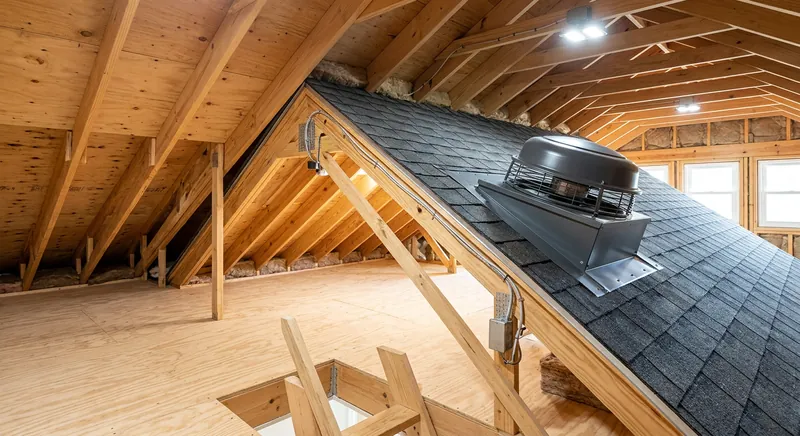
Best Attic Fans for Ventilation and Temperature Control
Compare solar and electric attic ventilation fans by airflow, thermostat controls, roof mounting, and IRC building codes to cool your attic and protect your roof.
 Attic & Insulation
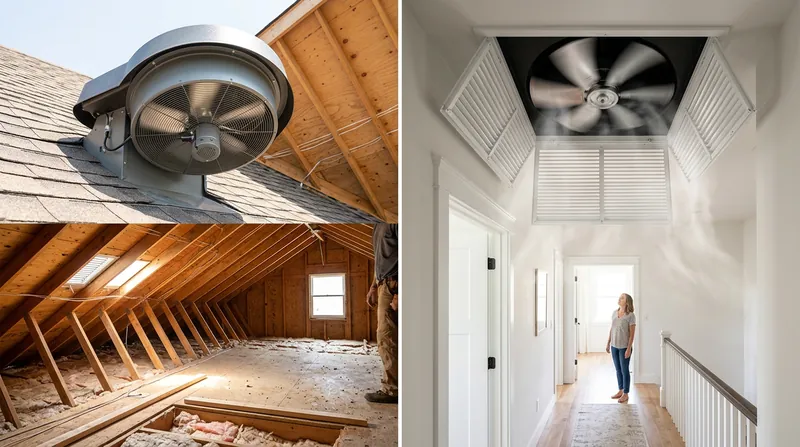
Attic Fan vs. Whole House Fan: Which Do You Need?
Attic fans and whole house fans sound similar but serve completely different purposes. This comparison breaks down what each does, how much they cost, and which one your home actually needs.
 Attic & Insulation
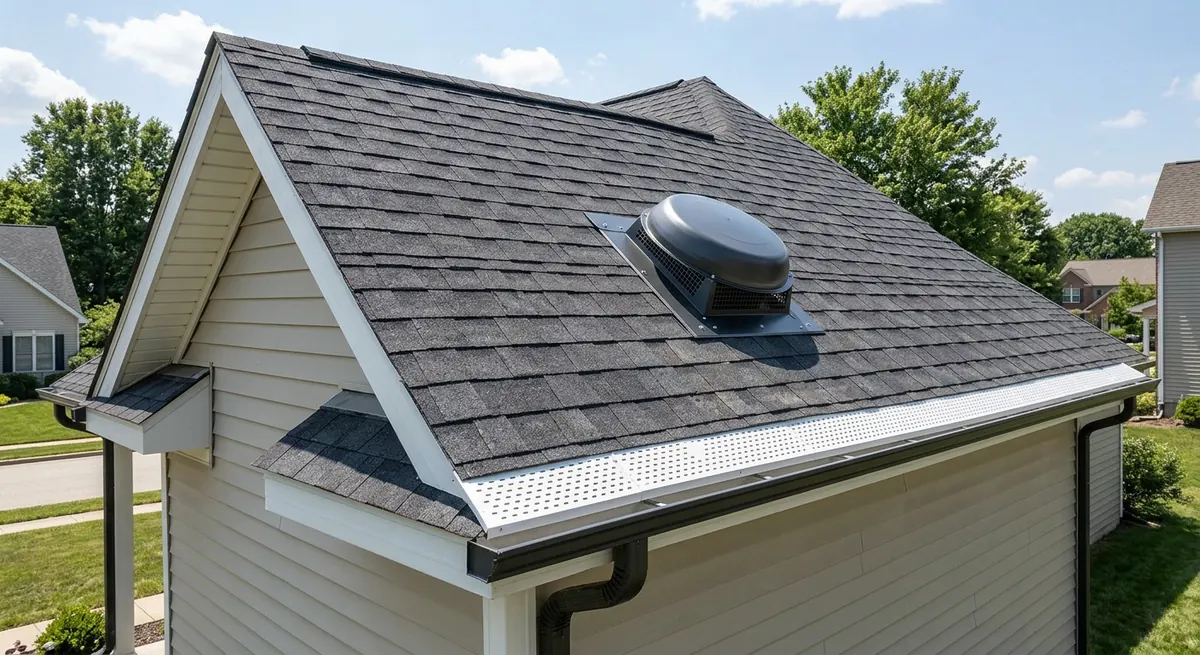
How to Size an Attic Fan: CFM Calculation Guide
Sizing an attic fan correctly is the difference between effective ventilation and wasted money. This guide walks through the CFM formula, a sizing chart by attic size, and intake ventilation checks.
 Attic & Insulation
Attic Ventilation Requirements: Code Rules and Best Practices
Proper attic ventilation follows the 1:300 rule and a balanced intake-to-exhaust ratio. This guide explains code requirements, vent types, NFA calculations, and the mistakes that cause roof damage.
Get Smarter About Your Home
Receive practical buying guides, product comparisons, maintenance tips and home project ideas from HomeGear Guide.
You can unsubscribe at any time.